
March 7, 2026
#Features and Improvements
#labwc Bridge
The labwc bridge is the glue between Budgie Desktop and the labwc compositor, translating your desktop settings into the compositor's native configuration. This release brings several improvements to that integration. Theme setting - You can now set a labwc window decoration theme independently via Budgie Desktop Settings, giving you more control over the look and feel of your window decorations under labwc.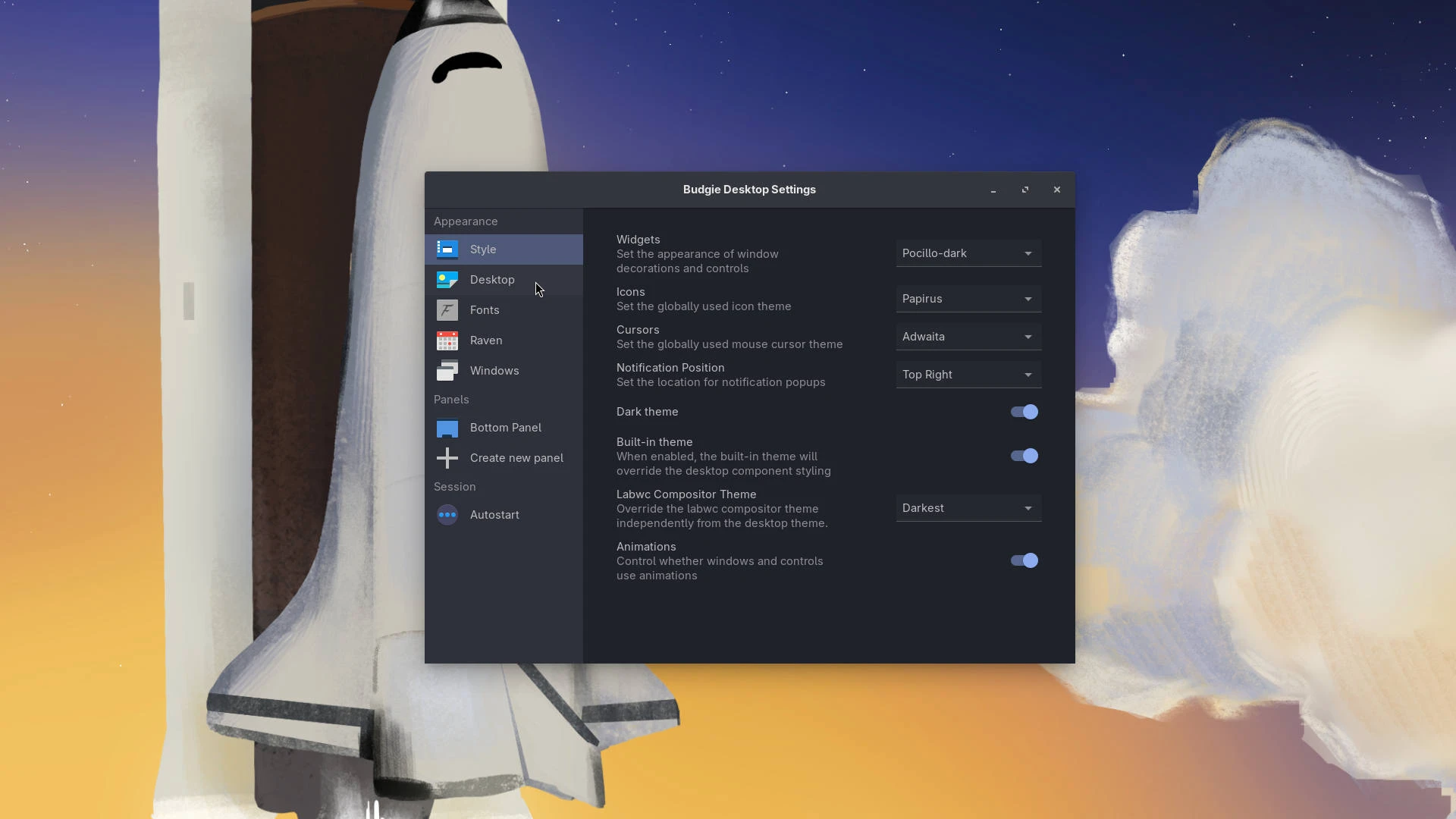
/etc/default/keyboard and then a US layout default. XKB options are properly sourced and merged from GSettings, systemd-localed, and /etc/default/keyboard. Importantly, the environment file is no longer rewritten on each login, so any user changes will be preserved.
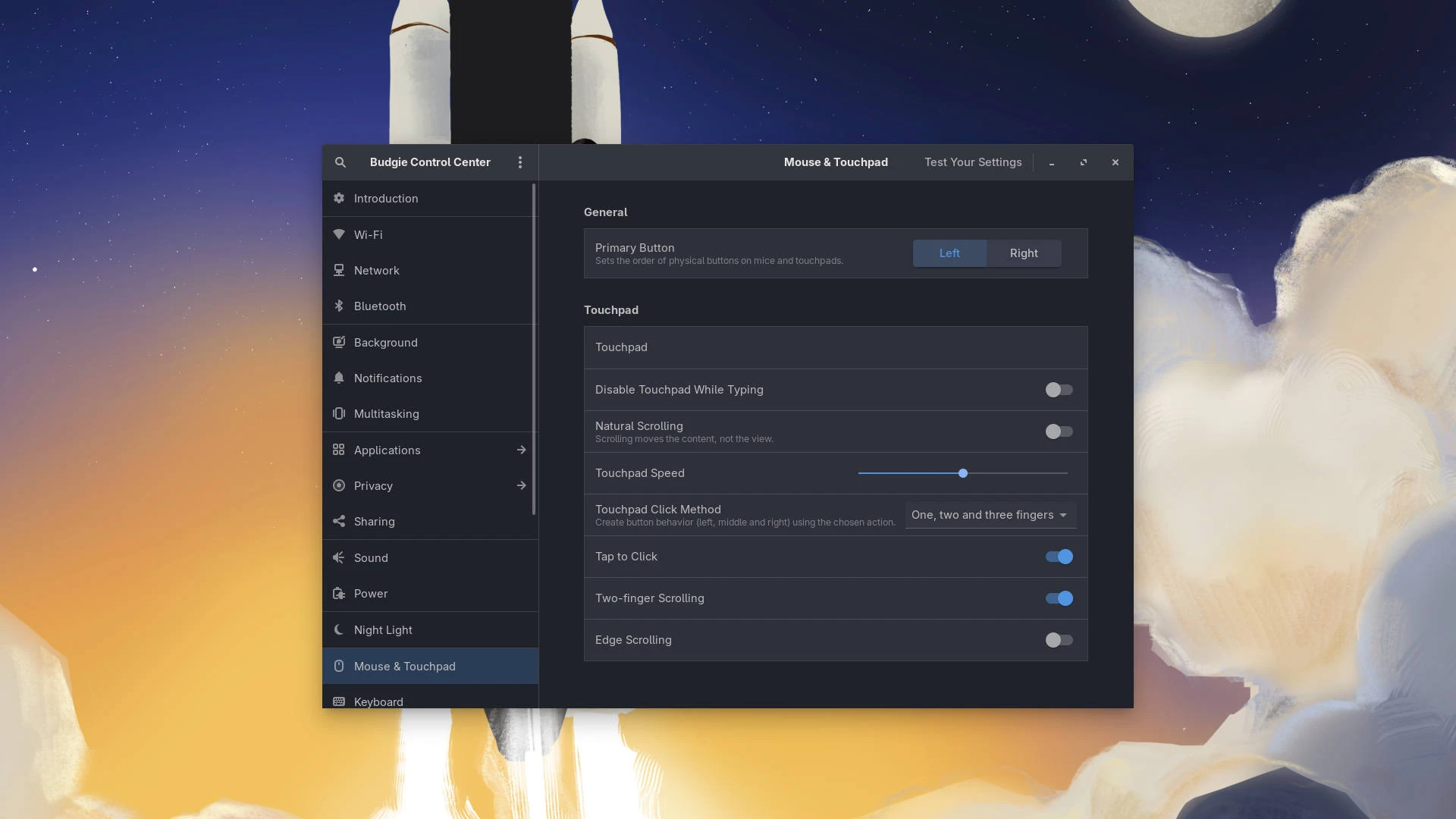
Touchpad configuration - Touchpad scroll method is now synced from GNOME settings into the labwc config. For users upgrading from earlier releases, missing peripheral configuration sections in rc.xml are automatically recreated. Additionally, the touchpad left-handed setting can now be separated from the mouse left-handed setting, so southpaw trackpad users no longer need to flip their mouse as well.
#Icon Tasklist
Application matching rework - This release introduces a newApplicationMatcher class that uses multiple strategies to match windows to their desktop entries. The matcher tries the following to find the right match:
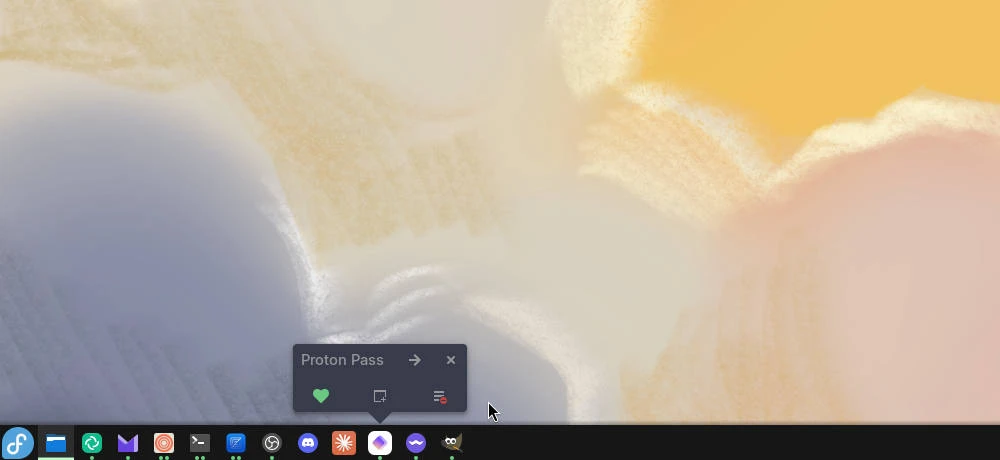
show-all-windows-on-click option is enabled. This change also fixed an inverted condition for the middle-click-to-launch-new-instance feature.
#Budgie Menu
Budgie Menu sizing has been improved across various resolutions. We removed unnecessary scaling logic (similar to the HiDPI fix applied to Icon Tasklist) that was causing "stubby" menus after scaling down, since the compositor already handles scaling. The menu height now targets 35% of the workarea height, clamped between a minimum of 480px and a maximum of 600px. This keeps the menu usable on lower resolution screens without becoming overly tall on 4K and above. On most higher resolutions, this will result in slightly more menu items being shown at once. Menu categories are also now locale-aware and properly sorted, so international users will see their application categories in the correct order.#Show Desktop
The Show Desktop functionality has been reworked with a proper DBus interface. TheSuper+D keybind now works as expected. Budgie now tracks which windows were minimized at the time of showing the desktop and only unminimizes those when toggling back. Previously, toggling back would also restore windows that had been intentionally minimized before showing the desktop.
#Screenshot Path Persistence
Custom screenshot save paths now persist across sessions in budgie-screenshot. If you set a preferred save location, it will be remembered the next time you take a screenshot.#Dialog Focus Behavior
Run and Power dialogs now behave correctly with sloppy and mouse focus modes. The dialogs wait until the cursor is over them before allowing focus-loss hiding, preventing them from disappearing the moment focus shifts elsewhere. This delivers on the promise made in the Budgie 10.10.1 release notes about improving transient dialog behavior with non-click-to-focus modes.#Crystal Dock Support
We have added background support for Crystal Dock running under wlroots compositors. This includes edge border handling to cover a 1px bleed-through that could occur when autohide is active and an application is maximized.#Bug Fixes
As always, this release squashes a number of bugs across the desktop:budgie-desktop is part of XDG_DATA_DIRS and that xdg-desktop-portal is started in the labwc session.WLR_NO_HARDWARE_CURSORS to fix the upside-down cursor issue in QEMU/virgl environments.#Packaging Changes
Budgie 10.10.2 addseglinfo (provided by egl-utils on Fedora, mesa-utils-extra on Debian/Ubuntu-based distributions) as a new runtime dependency. Packagers should ensure this is included when updating their Budgie packages.
#Call for Contributors: Input Method Support
We want to improve the multi-lingual input experience in Budgie Desktop under Wayland. If you are familiar with IBus or Fcitx and have experience getting them working well under Wayland compositors, we would love your help. We are looking for contributors who can help us integrate these input methods more seamlessly so that users don't have to figure out the setup on their own. If this is something you can help with, please check out issue #881 on GitHub and share your knowledge or contribute directly.Did you know that you can financially support the Buddies of Budgie project? Buddies of Budgie was founded to provide a home for Budgie Desktop and your financial contribution can go a long way to supporting our goals for development, providing opportunities for financial compensation, leveraging no-compromise Continuous Integration and Continuous Delivery systems for Budgie 11 development, and more.