Chirp #4: Panels, Policies, and Progress
Theme configuration improvements land in Budgie 10, the Budgie 11 panel gains a QML loader, and Magpie picks up focus method support.
Core Features
Budgie provides a focused set of features that make daily computing a pleasure.
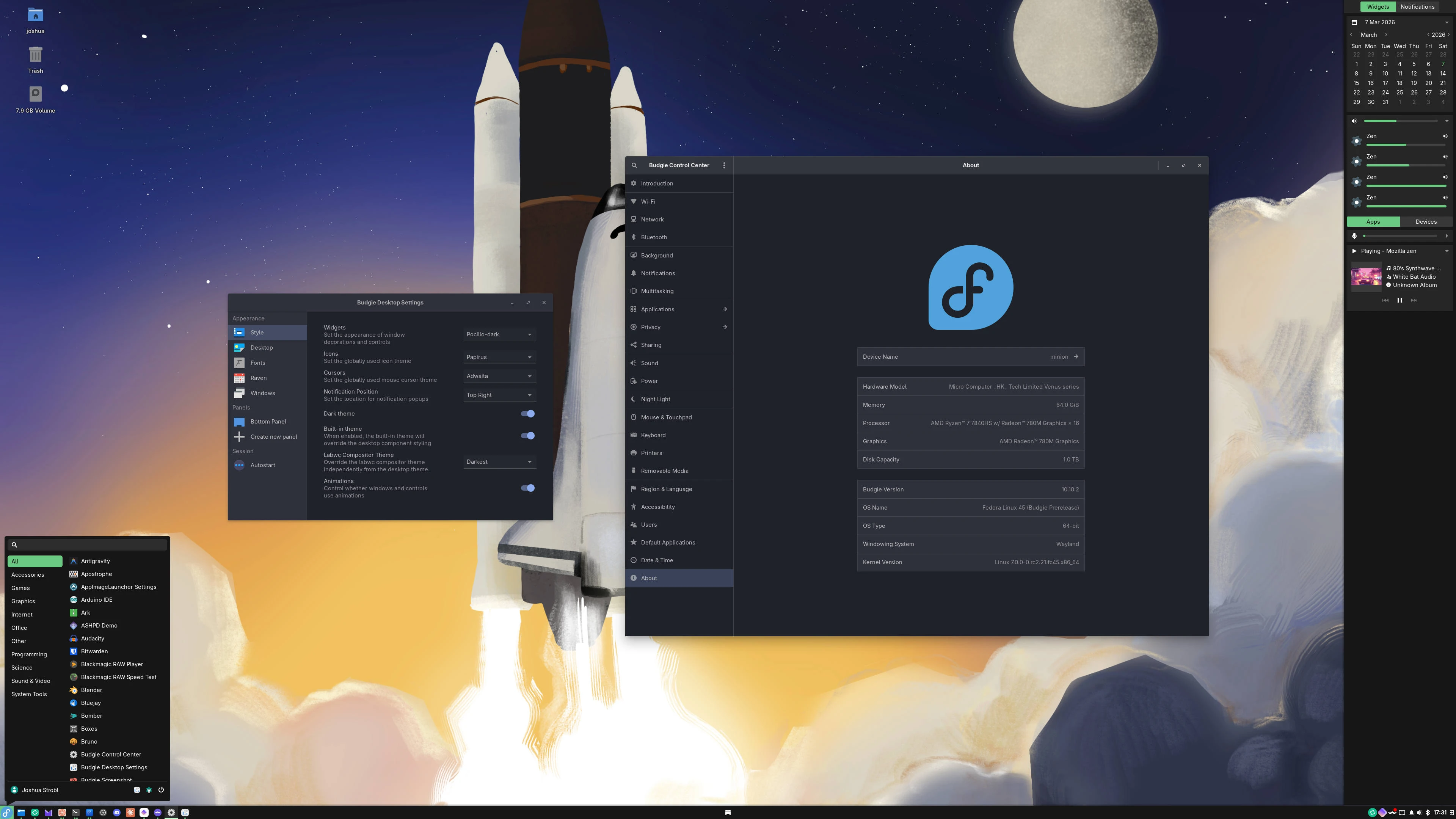
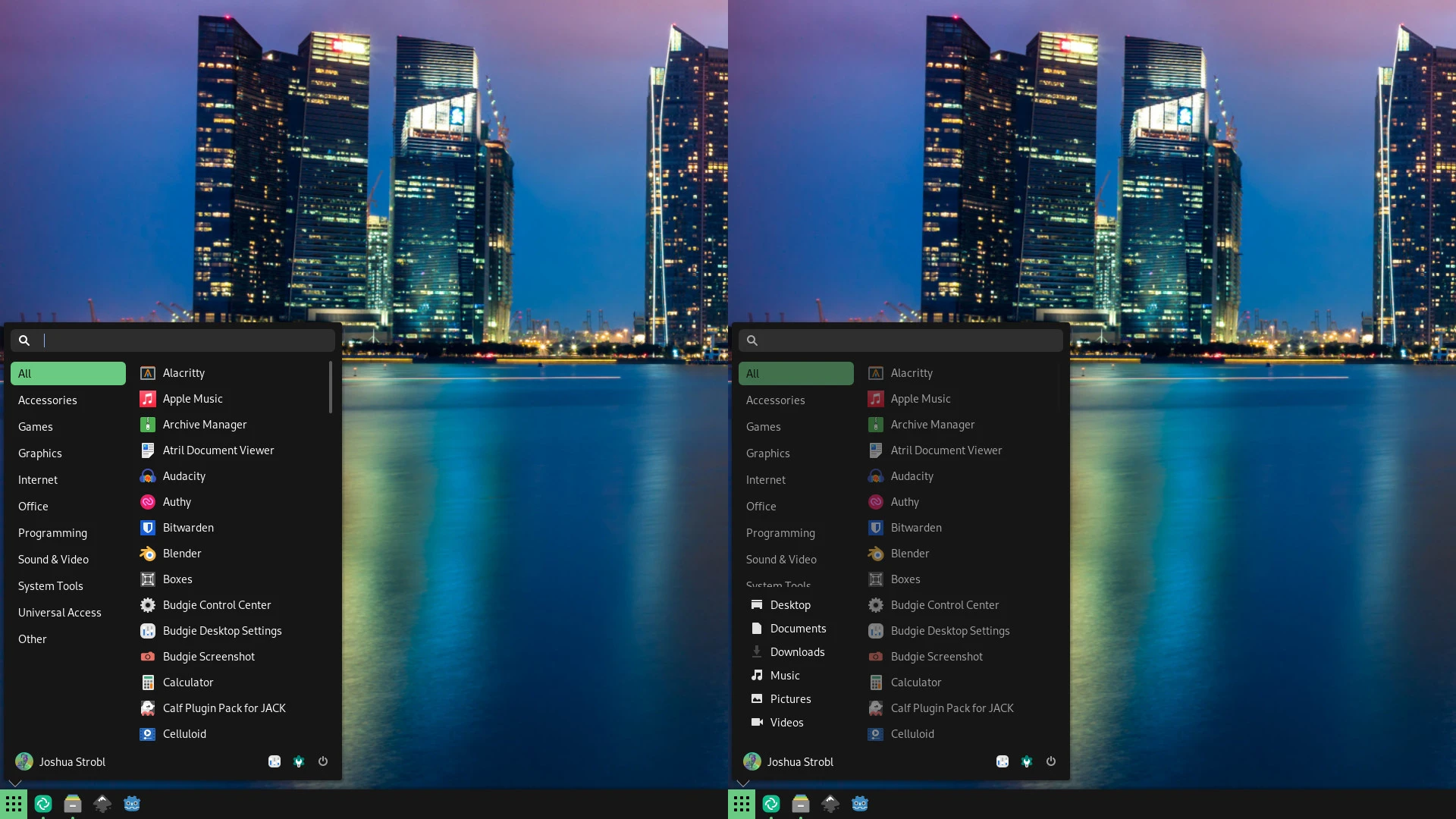
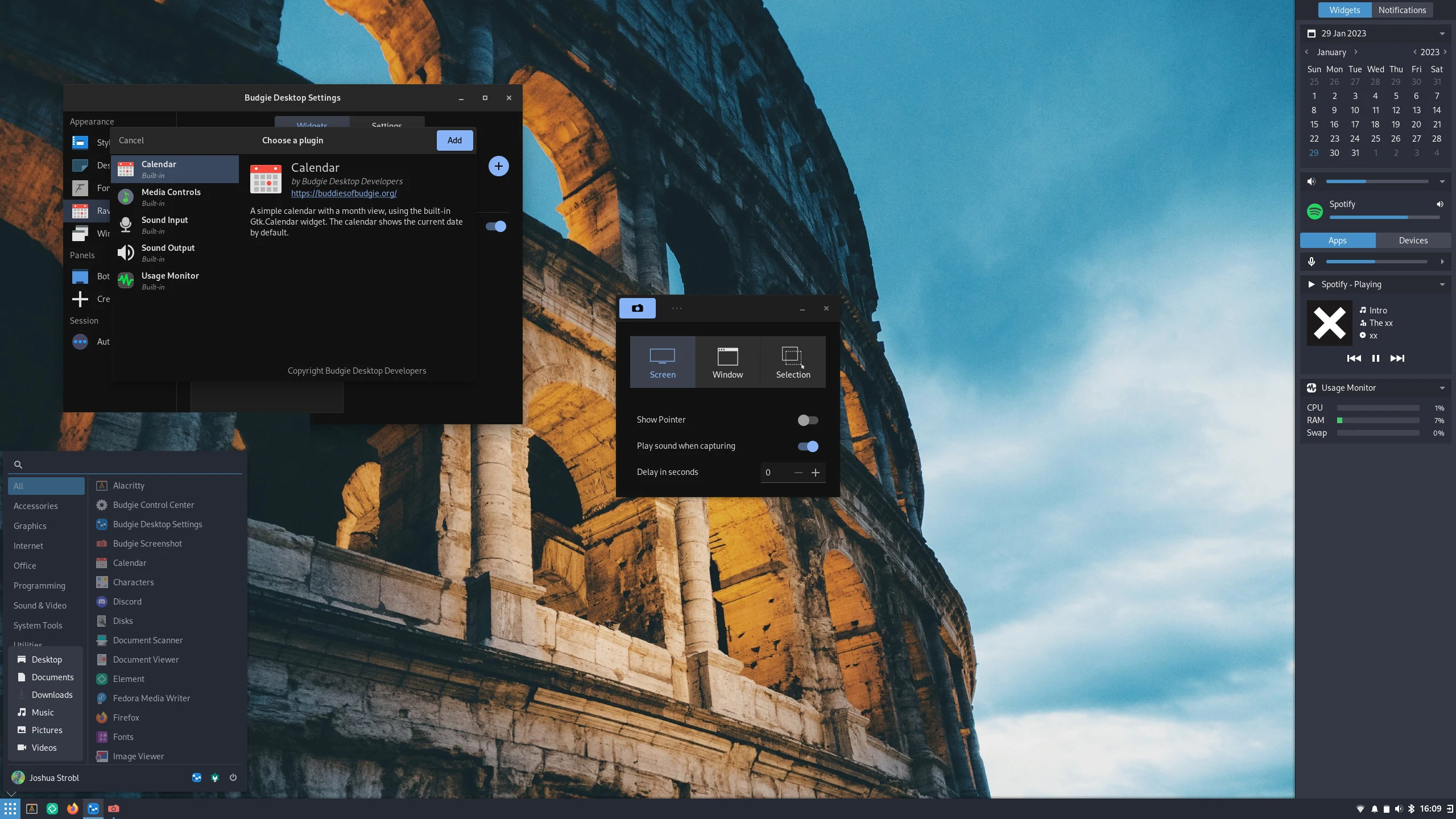
Budgie Menu shows you all your installed applications, neatly organized into categories to improve discoverability. With lightning-fast application searching, no more diving into sub-menus to find the app you need.

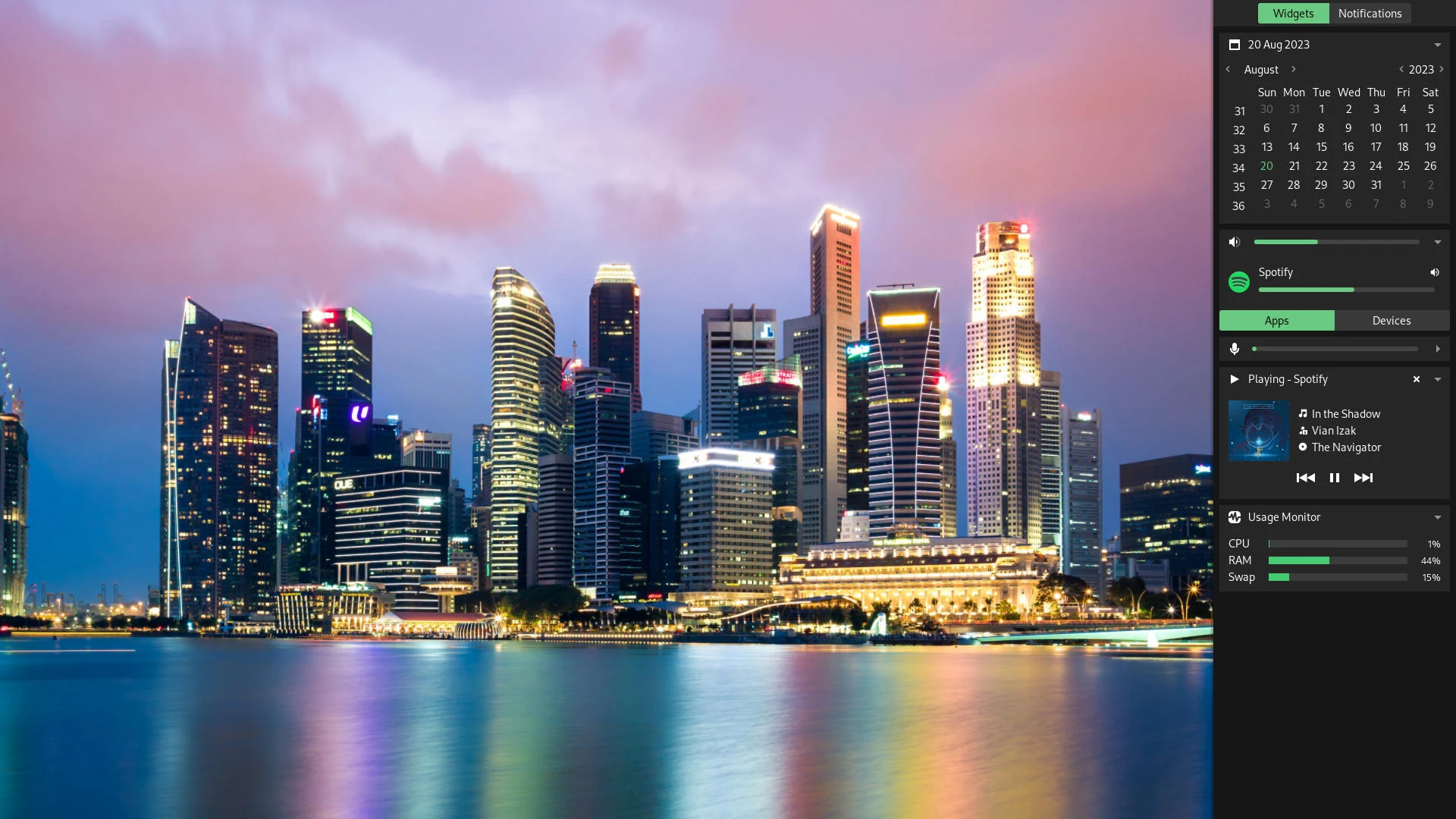
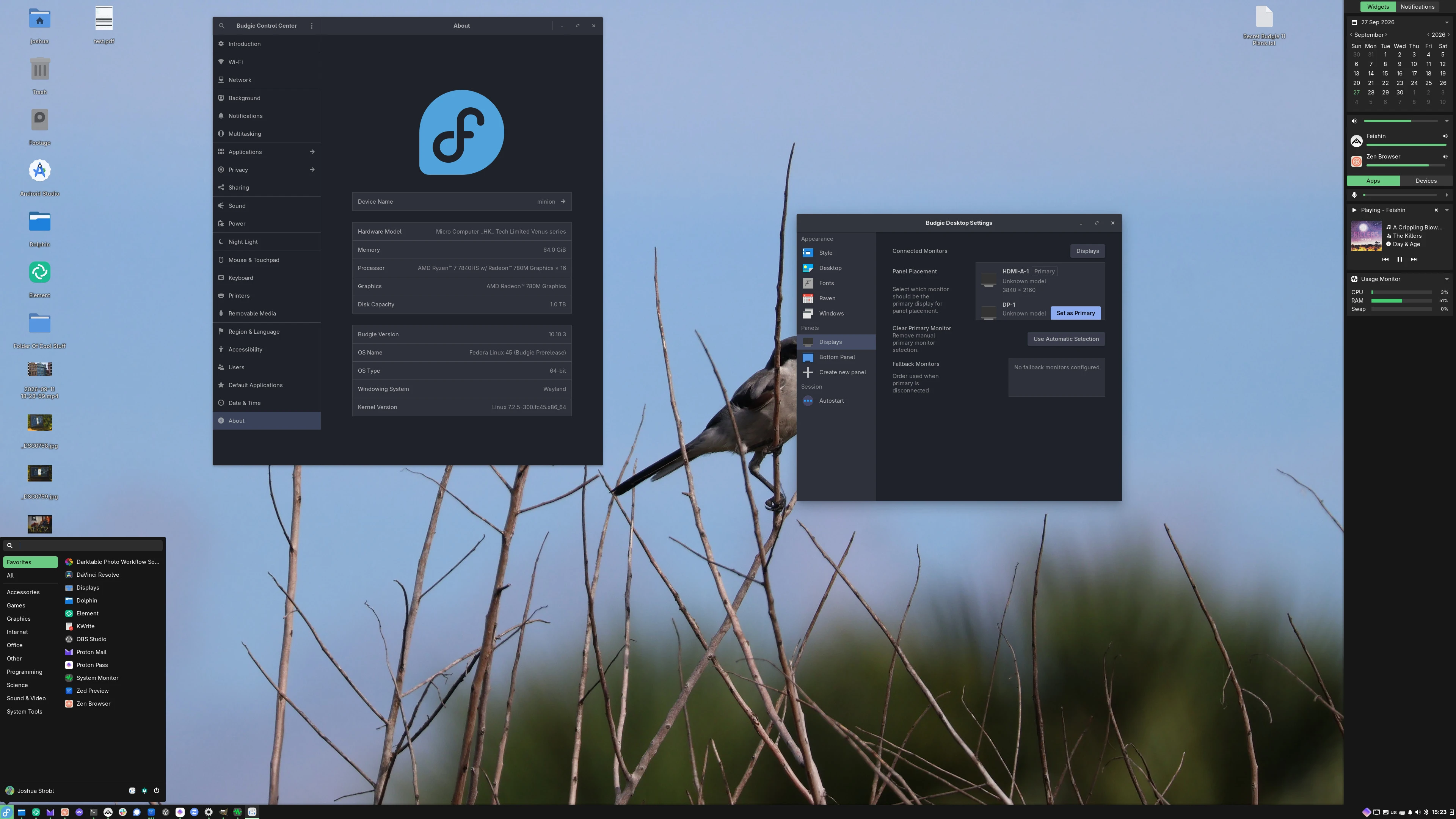
Raven is your all-in-one sidebar for notifications and widgets. View your calendar, control media playback, adjust volume, and monitor system resources without cluttering your desktop.

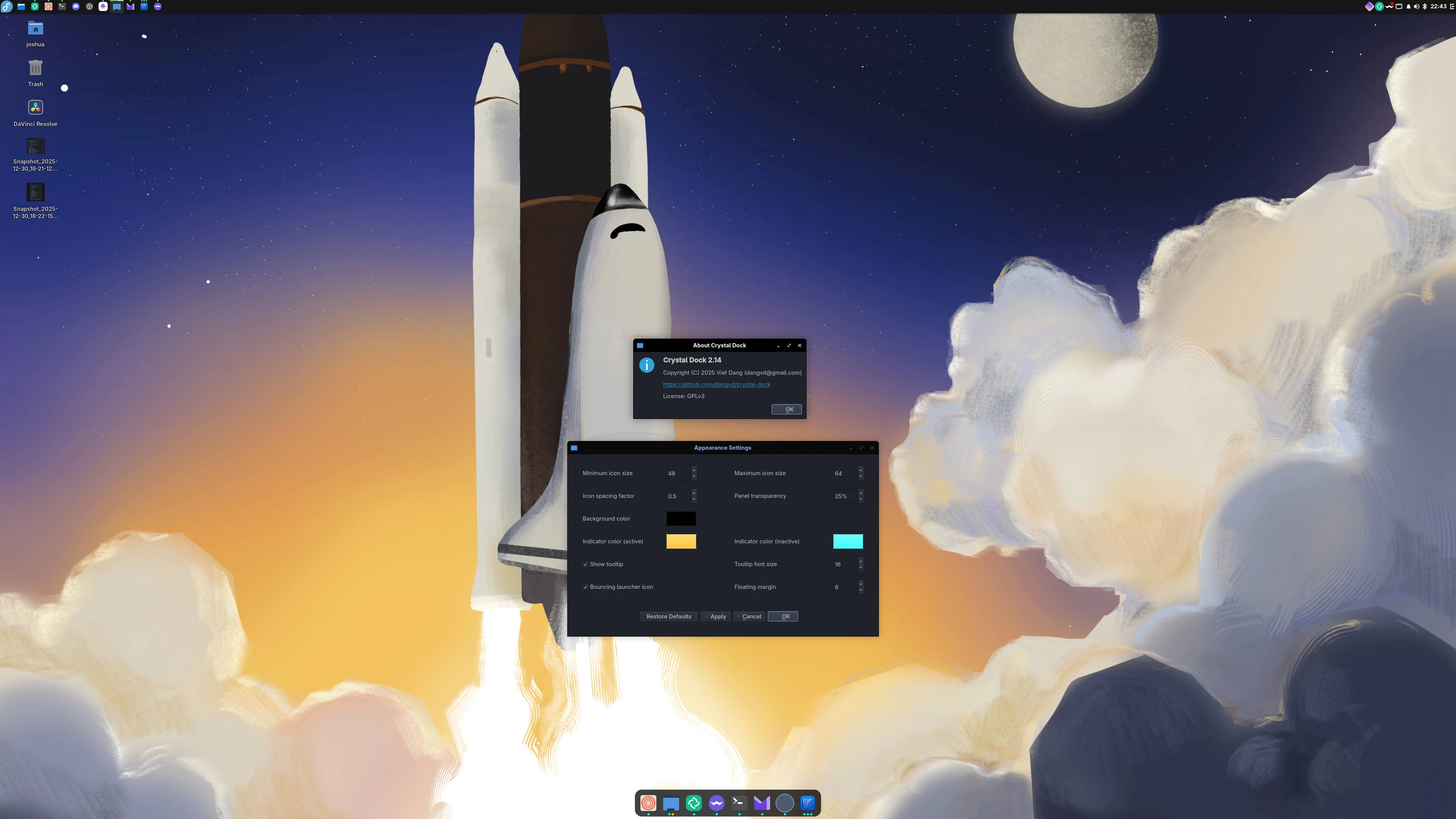
With Budgie Desktop Settings, you can customize your experience in just a few clicks. Create a dock, add multiple panels, or keep it minimal.

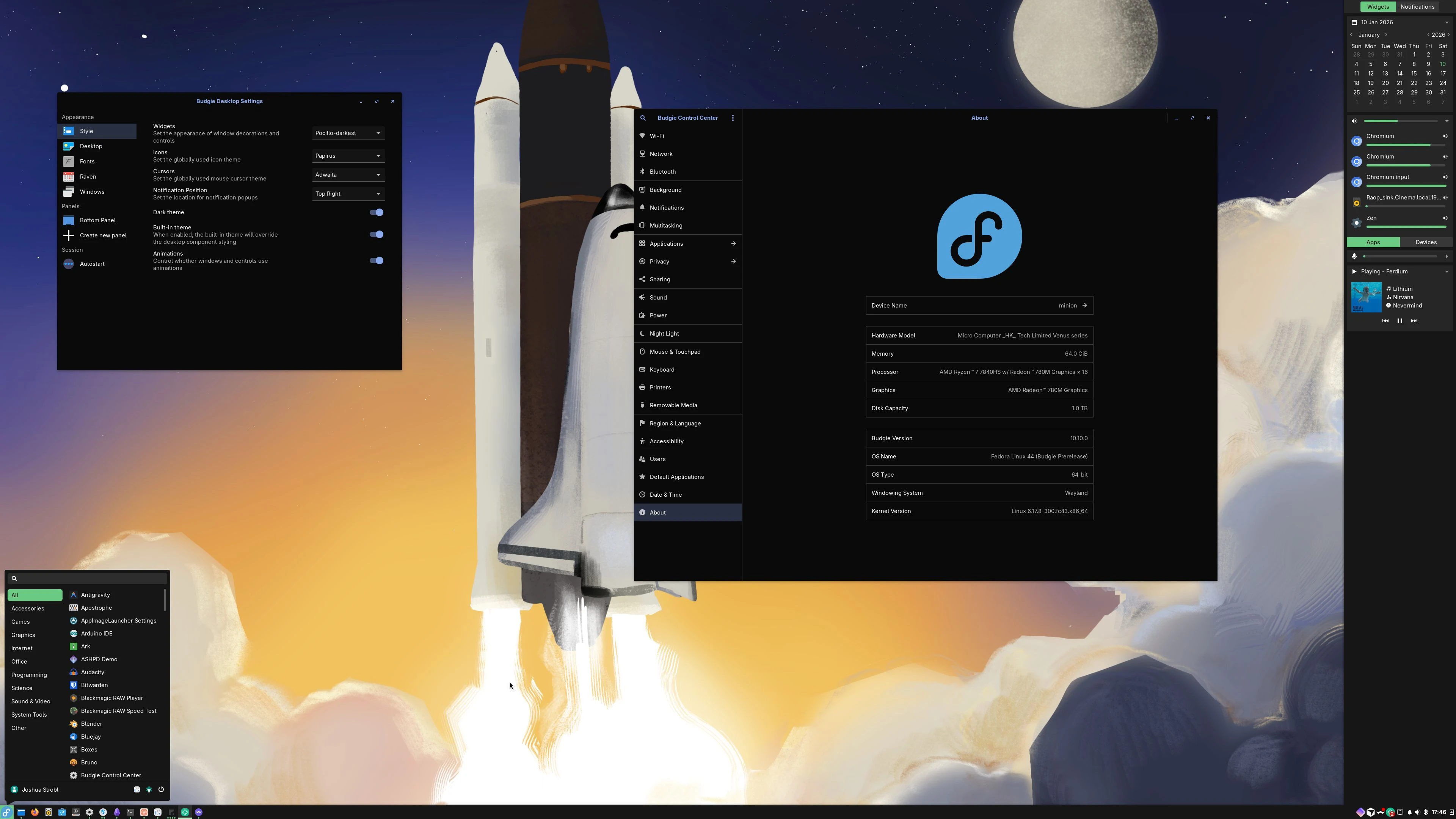
Classic bottom panel layout with centered menu and system tray

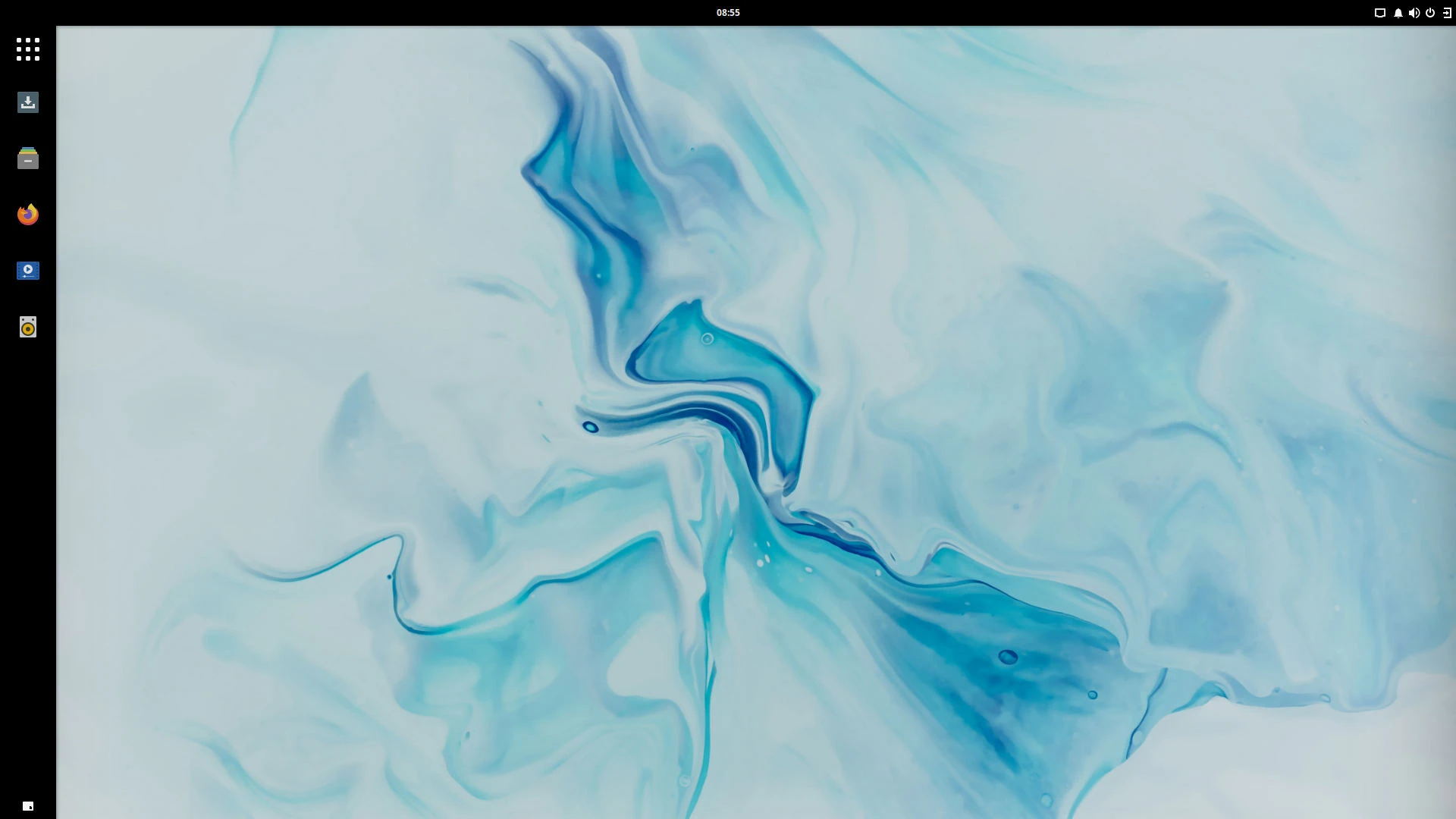
Left dock with top panel inspired by Ubuntu Unity

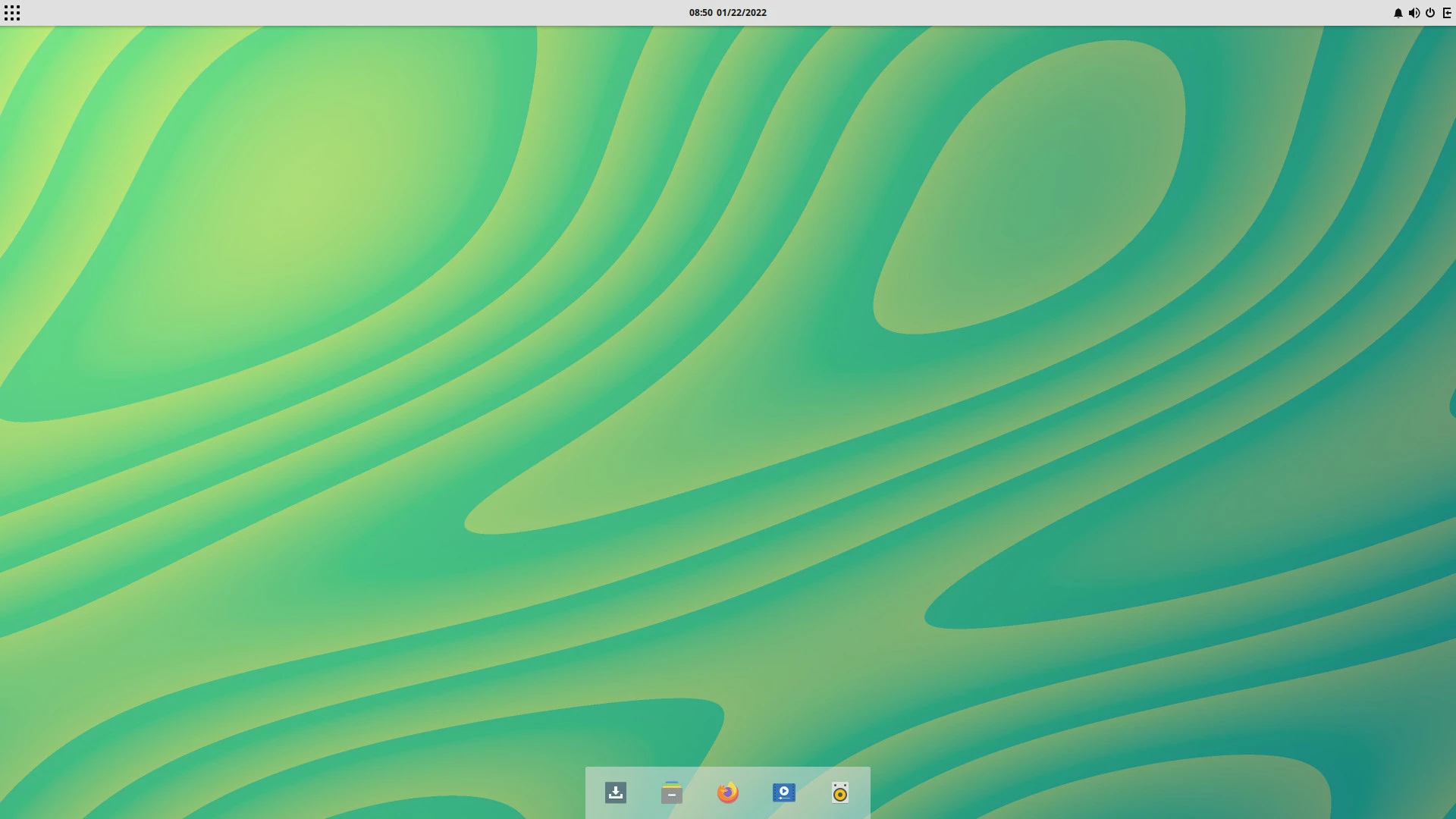
Top menu bar with bottom dock for a familiar macOS experience
Budgie encourages our partners to set defaults that best fit their users and audience. Whether it ships with a different theme, alternative applets, or a completely customized layout, we are happy to see Budgie users regardless of what their experience looks like. This philosophy makes Budgie adaptable to different communities while maintaining its core identity.
Budgie 11 represents a fundamental re-architecture of Budgie Desktop, built from the ground up with Qt6 and C++. With a modular core and pluggable shell architecture, Budgie 11 is designed for the next decade of desktop computing.
Budgie is built by the community, with volunteers from around the world, all contributing to make Budgie a better experience for everyone! Whether it is design work, software engineering, or translations, it is this community that makes it happen.
Budgie is available on a wide variety of operating systems, from Arch Linux to Ubuntu, and everything in between. Try it out today on the flavor of Linux of your choosing.