October 1, 2023
#Dark Style Preference Support
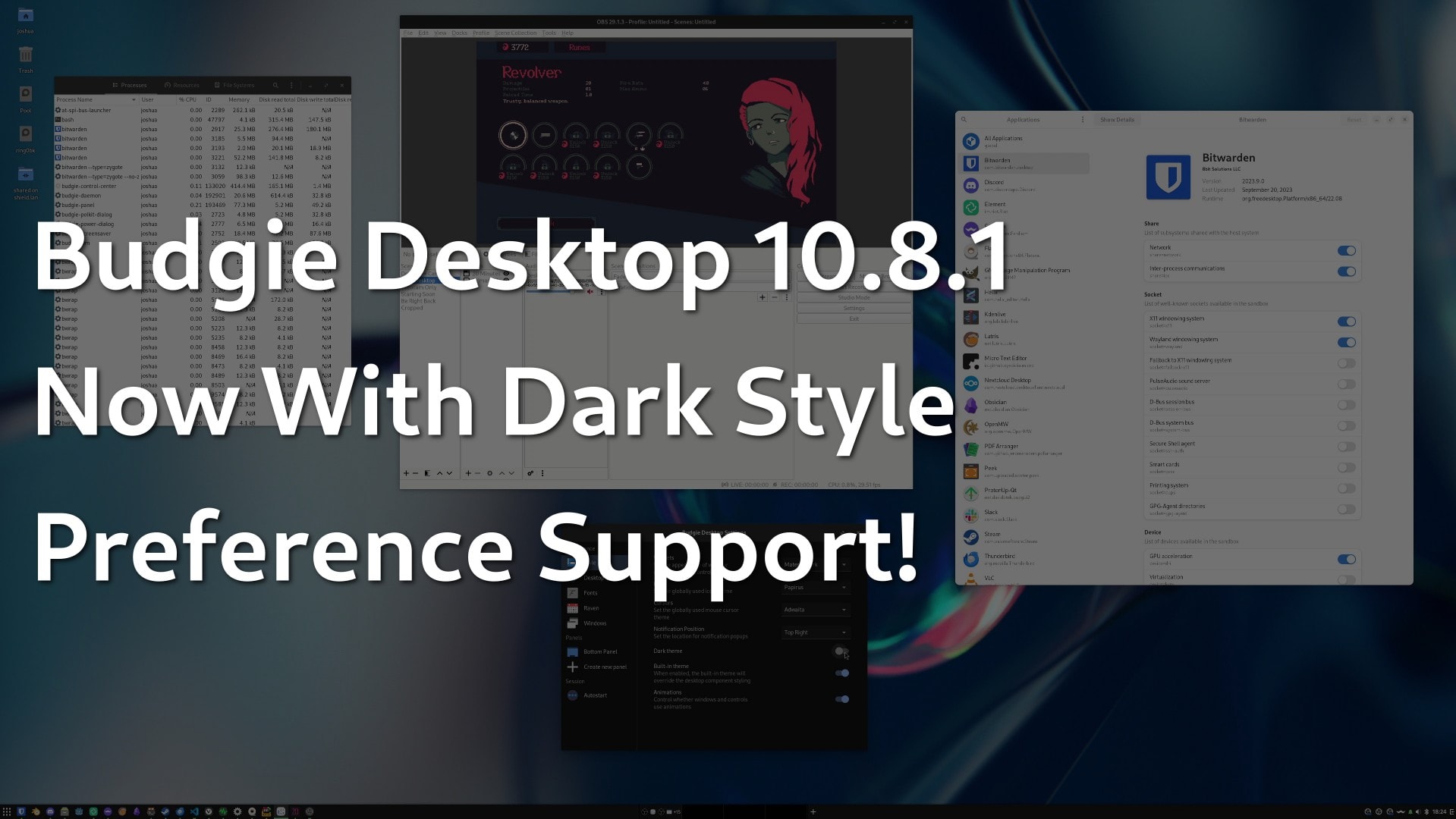
For years, Budgie Desktop Settings has provided a "Dark Theme" toggle in its Style settings. This setting has been used to set the preference for Budgie Desktop itself to be light or dark, depending various factors such as if Built-in theme is toggled off and GTK theme support. However, this setting would not apply to applications themselves, which resulted in a confusing user experience. While there are still some improvements we plan on making to further improve application styling consistency, we are excited to announce that with Budgie 10.8.1 our Dark Theme toggle will now set the Dark Style Preference! When supported by the application or its toolkit, Dark Style Preference can be used to provide the suggested user preference for light or dark theming (prefer-light and prefer-dark respectively). Some applications may enforce a specific color scheme, for example a photo editor may prefer a dark canvas to enable content to stand out, however overall this standardized, vendor-neutral setting should help to create a more consistent experience for our users.
#System Tray Improvements and Fixes
Budgie now has an option to toggle scaling of tray icons with the panel size. With the introduction of StatusNotifierItem support for our System Tray in Budgie 10.8, the default was to scale these icons, however based on user feedback and in our own testing, it was found that this did not pair well with the Status Indicator. With 10.8.1, we have provided the option to enable this scaling should you desire and have turned it off by default. Thanks to issues filed by our users, we have also identified and now handle several instances of inconsistent StatusNotifierItem implementations. These inconsistencies could result in crashes or blank menus, which are certainly not ideal!#Notification System Improvements
Our Notification System has seen several improvements and fixes in Budgie 10.8.1. Building on significant notification work done in past releases of Budgie (10.7 and 10.7.2), we were able to simplify our logic around constructing and fetching of existing Notification Groups in Raven by taking advantage of improvements to our Notification objects from Budgie Daemon. This should result in a slight reduction in overall memory usage as we no longer need to leverage a Hash Table of application names to groups for lookups, rather we are able find any existing relevant Notification Group via GtkListBox children iteration. Icons rendered in both Notifications (external to Raven and in Notification Groups) are now consistent as we are handling more of the logic in the Notification object, with Raven simply using the Notification's provided application icon or notification icon (app icon taking precedence) rather than doing lookups itself. During this testing, we identified a couple bugs for squashing as well:com.spotify.Client instead of just Spotify in its notifications, which resulted in it being unintentionally stored in Raven. This ID has been added to our "spam-apps" list, which is a list of applications that emit notifications which should be considered ephemeral or not expected to provide the end user any added value.#Other Fixes and Improvements
gtk. This should fix support for applications running in flatpak when using xdg-desktop-portal 1.18.0+, such as the FileChooser portal.#Contributor List
Budgie Desktop is developed by Buddies of Budgie, with contributors around the world. Alongside all of our amazing translators, here is a list of all the contributors that made this release possible:Did you know that you can financially support the Buddies of Budgie project? Buddies of Budgie was founded to provide a home for Budgie Desktop and your financial contribution can go a long way to supporting our goals for development, providing opportunities for financial compensation, leveraging no-compromise Continuous Integration and Continuous Delivery systems for Budgie 11 development, and more.